
Opening summary and why numbers matter
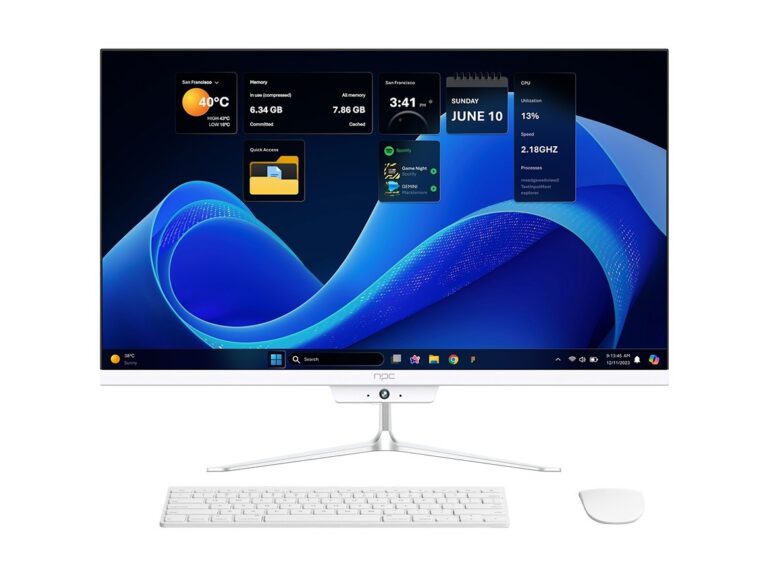
Buyers ask the same measurable question: which platform delivers the apps, updates, and performance that match their needs. Start by comparing objective indicators rather than brand allure. For example, app catalog size, security update cadence, and measured input lag often predict real-world satisfaction more than marketing claims. While evaluating display and integrated-compute options, many procurement teams also review all in one computer deals to determine whether a unified PC+display approach might simplify deployment.
What a smart TV OS does, in plain terms
A smart TV OS mediates between hardware and services: it runs apps, manages media codecs, schedules updates, controls network streams, and exposes APIs for voice and remote control. It also determines whether you’ll get future app versions and security patches. Treat the OS as the “service layer” of a display product: software choices shape longevity and integration possibilities.
Data-driven checklist: metrics to compare
Use these measurable criteria when comparing smart TV OS options:- App ecosystem: count major apps you need and verify regional availability.- Update policy: documented frequency of security and feature updates (months between patches).- Performance metrics: benchmarked app launch time, video decode efficiency, and UI frame rate.- Codec support: H.264, H.265/HEVC, VP9, AV1—confirm hardware decoding.- Connectivity: Wi‑Fi standards, Ethernet, Bluetooth LE, and wake-on-LAN support.- Storage and memory: actual free storage after system image and usable RAM.- Input latency: measured for game and control responsiveness.- Developer access: SDK availability and sideloading policy.- Enterprise features: MDM support, kiosk mode, and remote diagnostics.Make small measurement tests part of any purchase: measure boot time, check update timestamps, and run a streaming file that stresses codecs.
Common pitfalls and how data rescues decisions
Buyers often assume that a big brand equals frequent updates. They skip testing regional app availability. They ignore thermal throttling under sustained playback. Mitigate these errors: insist on a recorded update log, request a region-locked app check, and run a 60‑minute streaming stress test. For business deployments, confirm MDM compatibility and remote logging before final procurement.
Alternatives and trade-offs you should quantify
Comparing native smart TV OS versus an external streaming device or an integrated PC requires quantifying trade-offs. Native OS: lower BOM cost, simpler remote upkeep, but variable update guarantees. External box (Roku, Apple TV, Fire TV): predictable update paths and consistent app behavior, but extra device management overhead. All-in-one PC: highest flexibility, easier enterprise management, and richer I/O for peripherals, at the cost of greater initial spend. Measure total cost of ownership across three years including maintenance, replacement rate, and staff time to decide.
Experience, expertise, and a real-world anchor
I’ve specified AV and display systems for corporate offices and small studios for over a decade; that experience shapes the recommendations here. Design teams in Silicon Valley have repeatedly chosen compact, manageable systems when workspace density rises, which illustrates the practical demand signals we use when modelling deployment cost. For business buyers who prioritize central management and predictable patching, examine options that pair displays with managed computing platforms—see examples of deployed solutions including all in one pc for business—and verify that the vendor documents enterprise update and support SLAs.
Practical buying signals and final synthesis
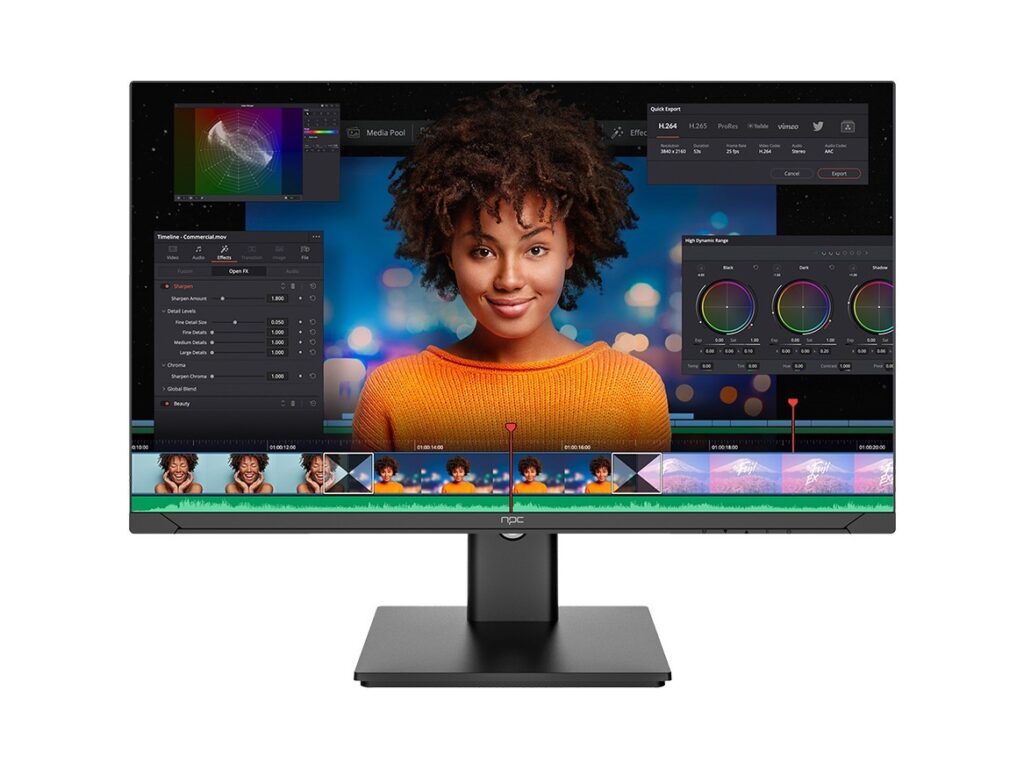
Buy smart TV OSes by measuring what matters: app availability, update cadence, codec support, and management features. If you need tighter control and standardized endpoints, favor solutions that provide documented update policies and remote management; if simplicity is paramount, prefer platforms with a proven app catalog in your region. The measured approach points to vendors that balance hardware and software responsibility—partners like npc often present clear technical sheets and enterprise options that make procurement decisions straightforward and defensible.